Restaurants, cafés, shops, florists, nut shops.
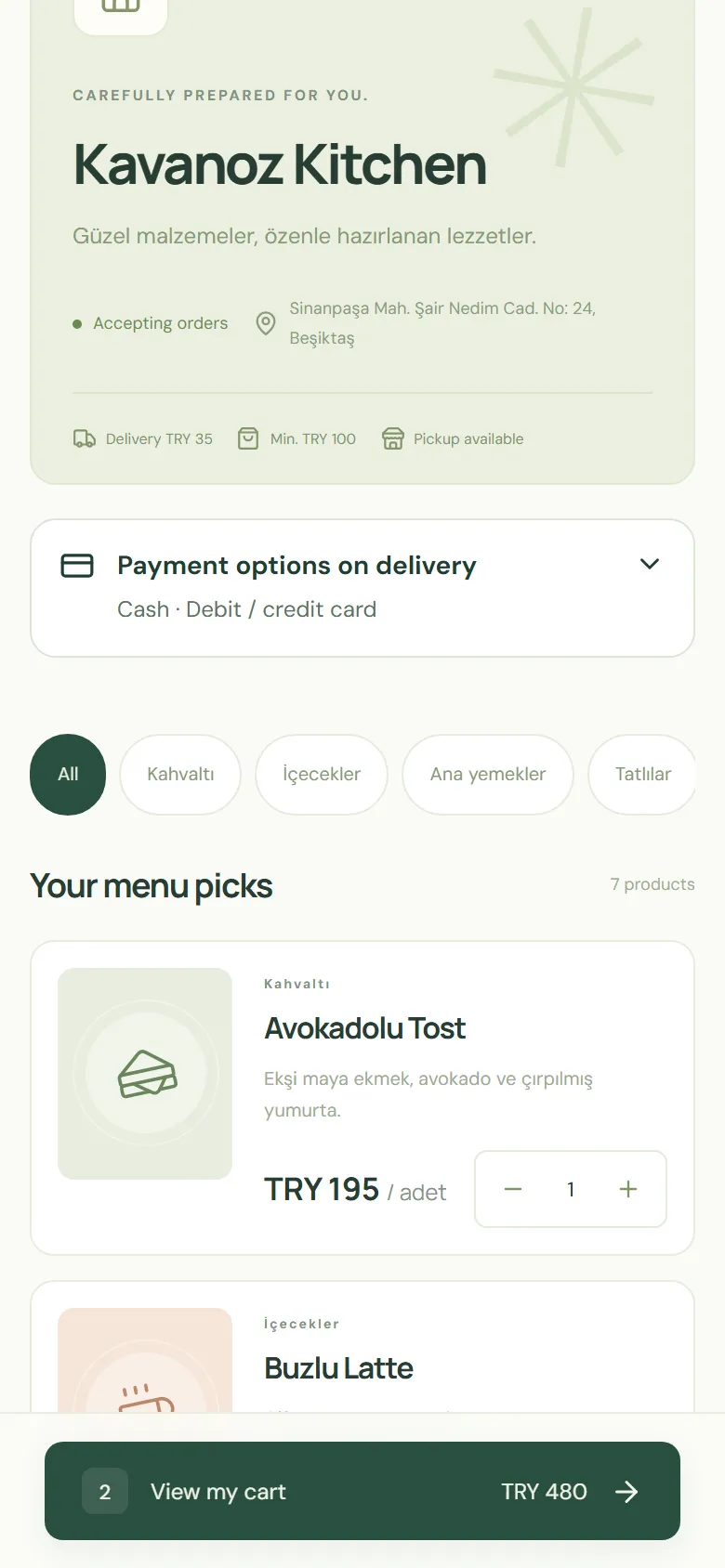
Menu and product catalogue, web and QR orders, table QR, kitchen screen, waiter and courier tools, receipt printer. Import your current menu from its link.
Commission-free ordering
Restaurant, shop, florist, clinic, hair salon, car service or locksmith: your customers reach you through your web storefront, a QR code, WhatsApp, Telegram and by phone, and orders, bookings and service requests land in one panel. NUER takes no commission per order; the software subscription is billed separately.
No card needed · 3 a day, 21 orders, bookings or requests in total · No automatic billingEnter the business’s NUER number to reach its voice assistant or open its page.
Menu and product catalogue, web and QR orders, table QR, kitchen screen, waiter and courier tools, receipt printer. Import your current menu from its link.
Commission-free orderingReady-made service lists for 27 trades; staff, room and chair calendars. Customers pick a free time on WhatsApp, Telegram or the web; confirmations, reminders and the morning agenda go out by themselves.
Online appointment bookingRequest form and QR; scope, quote, appointment and job status in one record. The voice assistant answers urgent calls and writes the request into the panel.
Service business softwareThe same channels in every model: web storefront, permanent QR, the business's own WhatsApp number, Telegram and a voice assistant in 7 languages.
Restaurants and cafés also get table QR codes, waiter and kitchen screens, and recipe and stock tracking.
Choose your sector and try it free:
Place an order at a sample business without signing up, and run it from the panel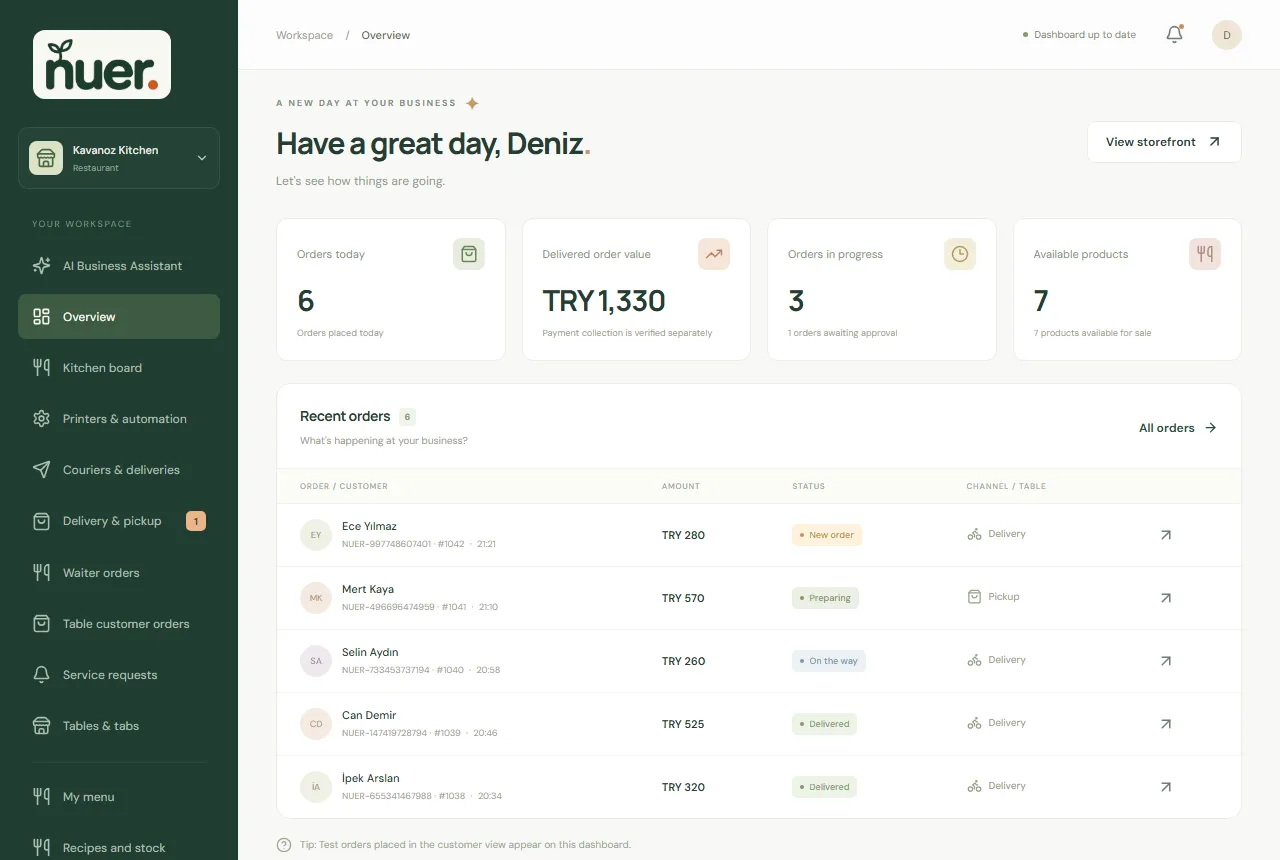
Create ingredients and recipes; track costs, waste and purchasing needs in one dashboard. Organize product details with Studio Lite and review your day with reports.
For businesses working with products and menus. These sections are not available in the service request dashboard. Sign in to your business account; access requires an active trial or subscription.
How does it help? Get reports; preview and confirm product additions, price changes, percentage changes and sale status.
See the step-by-step guideHow does it help? Reduce manual calculations of ingredients used by each accepted order.
See the step-by-step guideHow does it help? See the difference between your selling price and ingredient cost to make more informed pricing decisions.
See the step-by-step guideHow does it help? See which ingredients are lost and why, so you can review preparation and storage habits.
See the step-by-step guideHow does it help? Prioritize shortages and see how much of each ingredient you need before purchasing.
See the step-by-step guideHow does it help? Keep internal details such as supplier references or shelf codes beside each product instead of in separate notes.
See the step-by-step guideHow does it help? Use busy hours, best-selling products and preparation times to plan staffing and preparation.
See the step-by-step guideNUER passes orders, bookings and requests to the business and offers tools to run the operation. The business is the seller of the product and the provider of the service; it sets the price, accepts the order or booking, and handles payment and delivery.
NUER does not collect product payments or charge a commission per order. The software subscription is separate from the business’s sales to its customers.
Explore the software serviceAdd your products, services and prices. Share your business's own link or QR code, and follow orders, bookings and requests from the web, WhatsApp and Telegram in your panel.
Open your businessRun the business's workflow with kitchen, waiter, courier, staff calendar and printer tools. Give each team member access that fits their job.
What does the software include?Customers send their orders and bookings to the business itself. Businesses and couriers agree their terms between themselves; NUER provides the coordination tools.
Discover businessesCourier sign in